
How to Check Data Wiping on Refurbished Devices in 7 Steps (2026)
Buying a refurbished device is a financially smart and environmentally responsible decision. But before you commit, you need to know one thing for certain: has the previous owner's data been completely and verifiably removed? Refreshed Tech makes certified data destruction a standard part of every device it processes, and that level of transparency should be your baseline when evaluating any refurbishment service.
This guide walks you through seven practical steps to verify data wiping, inspect device quality, and confirm that the refurbisher you choose operates with documented, auditable standards.
Quick guide: how to verify data wiping before buying refurbished
- Research the refurbisher's certifications. Look for documented credentials like R2 certification, ISO standards, or Microsoft Authorized Refurbisher status before browsing inventory.
- Ask for data sanitization documentation. Ask how each unit was wiped and whether it was logged on a serial-level Certificate of Data Destruction.
- Verify the sanitization standard used. Confirm the refurbisher follows a recognized framework such as NIST SP 800-88 rather than a simple factory reset.
- Check the device inspection report. Review the itemized report covering hardware diagnostics, cosmetic grading, and component replacements.
- Test the device on arrival. Run a hands-on check of battery health, screen responsiveness, ports, and connectivity within the return window.
- Review the warranty and return policy. Confirm the coverage period, what failures qualify, and how quickly the refurbisher resolves claims.
- Confirm environmental accountability. Ask for a sustainability report or carbon metrics that document how non-reusable devices and components are handled.
How to verify data wiping and device quality from a refurbisher
1. Research the refurbisher's certifications. Certifications tell you whether a refurbisher follows documented, auditable processes or simply cleans devices and relists them. Look for credentials like R2 (Responsible Recycling), ISO 14001, or manufacturer-level designations such as Microsoft Authorized Refurbisher status.
Each one covers different ground. R2 is a third-party audited standard that includes data security and sanitization requirements. ISO 14001 is an audited environmental management standard. Microsoft Authorized Refurbisher status is a manufacturer program for refurbishers that install genuine, licensed Windows on the PCs they resell. A refurbisher that holds one or more of these has agreed to be held to an outside standard.
If a seller cannot name a single certification, that is a clear signal to keep looking. Certifications are not optional extras. They are evidence that a company's claims have been checked against an outside standard.
2. Ask for data sanitization documentation. A trustworthy device buyback provider will issue a Certificate of Data Destruction for every unit it processes. This document should list the device serial number, the sanitization method applied, the date the wipe was completed, and the name of the technician or system that performed it.
Documentation that only says "data wiped" or "factory reset applied" does not meet auditable standards. You need specifics. Serial-level tracking means each device has its own record, not a batch-level summary that groups hundreds of units under a single line.
The certificate itself goes to the organization or person who sold the device. As a buyer, ask the refurbisher to confirm which method was used and that each unit was logged at the serial level. If they cannot answer, treat that as a disqualifying gap.
3. Verify the sanitization standard used. Not all data wipes are equal. A factory reset on a smartphone, for example, can leave recoverable data behind. The industry benchmark is NIST SP 800-88, a U.S. government framework that defines three levels of sanitization: Clear, Purge, and Destroy.
For devices being resold, Purge is the standard target. It uses firmware-level commands or cryptographic erase to render data unrecoverable even with laboratory techniques. According to NIST SP 800-88 Revision 2, published in September 2025, organizations should build a sanitization program around the sensitivity of their data and establish trust in how their vendors carry out sanitization.
Ask the refurbisher which NIST 800-88 level they apply and how they verify each wipe. A documented answer tells you the process is real. Silence tells you the opposite.
4. Check the device inspection report. Data wiping covers the software side. The inspection report covers everything else: battery health, display condition, camera and microphone function, port integrity, and cosmetic grading. A credible refurbishment provider issues an itemized report for every device, broken out by component.
Look for specific metrics. Battery health should be reported as a percentage of original capacity, not a vague "good" or "tested." Cosmetic grades should follow a published rubric, such as Grade A (minimal wear), Grade B (light marks), or Grade C (visible use). If the seller's grades have no published criteria, they are marketing language, not quality control.
An inspection report also protects you after the sale. If a problem surfaces within the warranty window, the report becomes your reference for what was promised versus what was delivered.
5. Test the device on arrival. Even with documentation in hand, a hands-on check within the first 48 hours is essential. Start with battery health: on an iPhone, go to Settings, then Battery, then Battery Health (called Battery Health and Charging on some models). On Android, the location varies by maker: newer Google Pixel phones show it under Settings, then Battery, then Battery health, and Samsung phones show it in the Samsung Members app's diagnostics.
Run through every hardware function. Test the touchscreen across its full area. Open the camera app and record a short video. Connect to Wi-Fi and cellular data. Plug a charger into the port and confirm a stable connection. Press every physical button.
If anything fails, contact the refurbisher immediately. Return windows on refurbished devices can be short, so speed matters. A legitimate refurbisher will replace the device, not argue about it.
6. Review the warranty and return policy. A warranty is the refurbisher's statement that they stand behind their work. At minimum, expect 90 days of hardware coverage. Some refurbishers that operate at enterprise scale offer longer terms, especially on fleet-level transactions.
Read the terms carefully. Confirm whether the warranty covers battery failure, motherboard defects, and port malfunctions. Check whether the return process requires you to pay shipping or restocking fees. A no-cost return policy within the first 14 to 30 days is a reasonable standard.
Avoid any listing marked "as-is" or "final sale." In most U.S. states, those labels legally disclaim the implied warranties that would otherwise protect you. A refurbisher that will not accept returns has no incentive to maintain quality control.
7. Confirm environmental accountability. Responsible refurbishment does not stop at the device that gets resold. It extends to every component that cannot be reused. Ask the refurbisher how they handle non-functional hardware: is it sent to a certified recycler, or does it enter the general waste stream?
According to the Global E-waste Monitor 2024, 62 billion kilograms of e-waste were generated worldwide in 2022, and only 22.3 percent was formally collected and recycled. Every device that stays in circulation is a direct reduction in that number.
A refurbisher with genuine environmental accountability will provide a sustainability report or carbon impact summary alongside your data destruction certificate. That documentation tells you the company treats responsible disposal as an operational standard, not a marketing claim.
What should a Certificate of Data Destruction include?
A complete Certificate of Data Destruction should list five elements: the device serial number, the make and model, the sanitization method (Clear, Purge, or Destroy), the date and time of completion, and the name or ID of the operator or automated system that performed the wipe.
Certificates that omit the serial number or group multiple devices under a single entry are insufficient. Serial-level documentation means every unit is individually accounted for, which is what auditors typically expect when school districts show they protected student records under FERPA, and what most enterprise compliance frameworks expect.
If a refurbisher provides this level of detail without being asked, that signals a mature operation. If they only produce it under pressure, or not at all, the rest of their process likely has similar gaps.
Why does the sanitization standard matter more than the number of passes?
Older advice recommended multiple overwrite passes to destroy data on spinning hard drives. Modern storage, including solid-state drives and flash memory in phones and tablets, does not respond to traditional overwrite methods in the same way. NIST SP 800-88 reflects this shift, and Revision 2 continues it, by recommending sanitization techniques aligned with the specific media type rather than a fixed number of passes.
For SSDs, cryptographic erase or vendor-specific sanitize commands are more effective and faster than multi-pass overwriting. For devices with embedded flash storage, a properly executed Purge-level wipe renders data unrecoverable without physical destruction of the chip.
The standard matters because it determines whether the wipe actually worked. A refurbisher that still advertises "7-pass DoD wipe" on modern flash storage is applying an outdated method to hardware it was not designed for. Ask what specific technique they use, and confirm it aligns with the current NIST guidelines for that media type.
How Refreshed Tech helps you verify data wiping and device quality
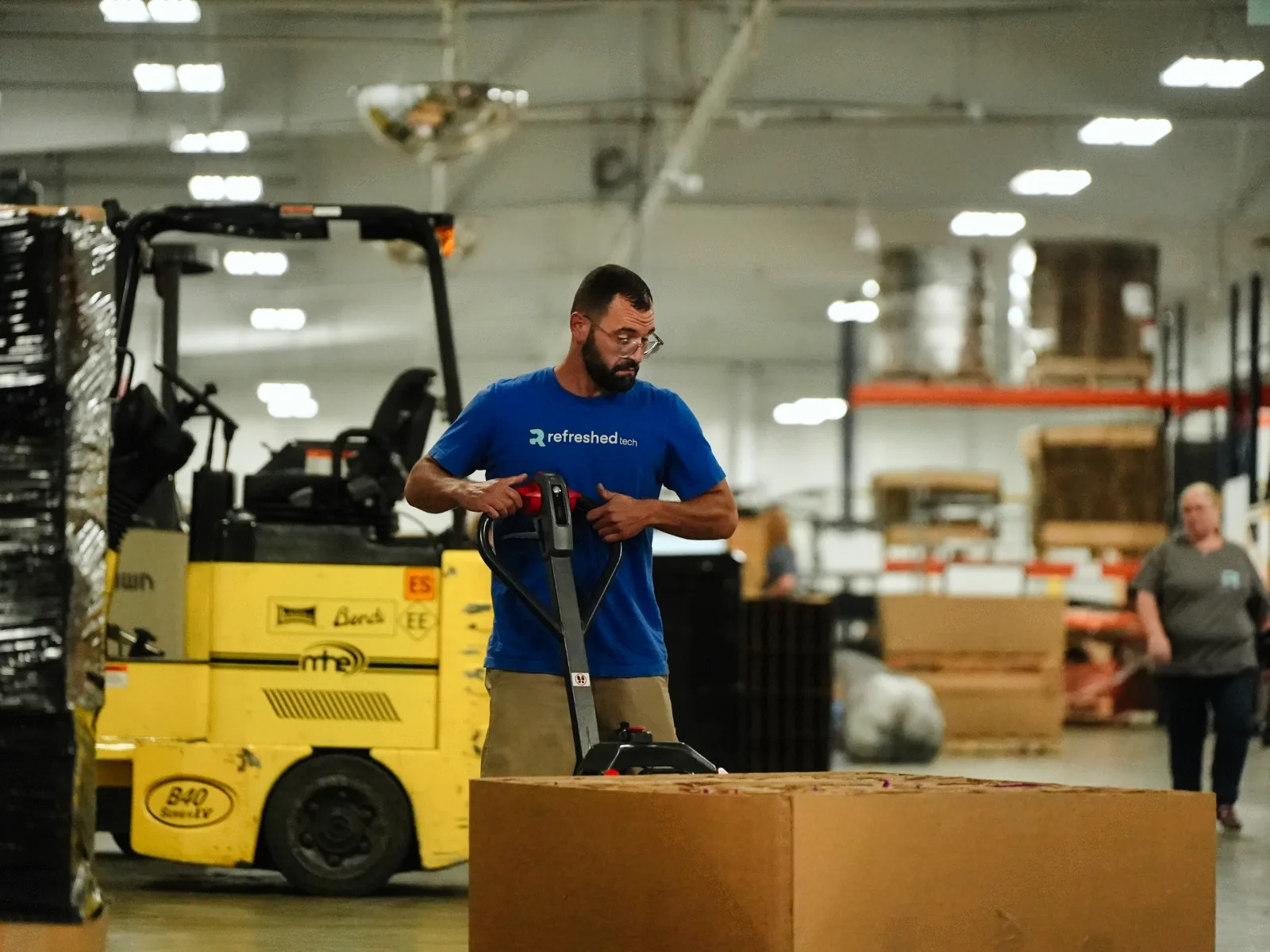
Refreshed Tech operates a 103,000-square-foot facility in Ashley, Indiana, purpose-built for high-volume device buyback, refurbishment, and certified data destruction. Every device that enters the facility is serial-tracked from intake through inspection, NIST 800-88 sanitization, and final disposition.
You receive a Certificate of Data Destruction with every payout, issued at the serial level. Media that cannot be reused goes through certified destruction. Refreshed Tech is also a Microsoft Authorized Refurbisher, which means it can install genuine, licensed Windows on the refurbished PCs it resells.
Whether you are retiring a fleet of Chromebooks from a school district or trading in a single MacBook, you get a fast quote, free shipping, serialized inspection, and certified wiping with the documentation your compliance team or auditor will require. Get a quote from Refreshed Tech and see the paperwork before you commit.
FAQ
Is a factory reset enough to protect my data on a refurbished device? A factory reset removes user-facing data but can leave recoverable information on the storage media. Refreshed Tech sanitizes every device to NIST 800-88. Purge-level sanitization, the usual target for devices headed to resale, renders data unrecoverable even under laboratory conditions. A factory reset alone does not meet that standard.
What certifications should I look for in an ethical refurbishment service? Look for R2 (Responsible Recycling) certification, ISO 14001 for environmental management, or manufacturer-level credentials like Microsoft Authorized Refurbisher status. R2 and ISO 14001 are audited by third parties, and R2 includes specific data sanitization requirements. Microsoft Authorized Refurbisher status shows the refurbisher installs genuine, licensed Windows.
How can I verify that a refurbisher actually wiped my device? Ask for a serial-level Certificate of Data Destruction. Refreshed Tech includes this certificate with every payout to the organization or person who sold the devices, listing the serial number, sanitization method, and completion date. If a refurbisher cannot produce this document, their data wiping process is not verifiable.
What is NIST 800-88 and why does it matter for refurbished devices? NIST SP 800-88 is a U.S. government framework for media sanitization. It defines three levels of wiping: Clear, Purge, and Destroy. For devices being resold, Purge-level sanitization is the target. Refreshed Tech follows this standard on every device and provides documentation to verify compliance.
Should I test a refurbished device right after purchase? Yes. Check battery health, screen responsiveness, camera, speaker, connectivity, and physical buttons within 48 hours. Return windows on refurbished devices can be short, so early testing protects your ability to file a claim or request a replacement.
Have retired devices to sell?
Get a Quote ↗